

How to Navigate the Online World Safely: The internet is a fantastic place for learning, connecting, and having fun. However, just like in the real world, there are dangers we need to avoid. One of the biggest threats online is hidden behind something we do every day: clicking a link. A single click can sometimes lead to serious trouble. Understanding this risk is the first step to staying safe.
Why Are Malicious Links So Dangerous?
The main goal of a dangerous link is to trick you. People who create these links, often called hackers or scammers, want to harm your device or steal your information. They do this by using something called malware. Malware is malicious software designed to damage your computer, phone, or tablet.
Clicking a bad link can cause several big problems:
- It can steal your personal information. Some malware acts like a spy. It records your keystrokes to steal your usernames and passwords. This is how hackers can break into your social media accounts or even your bank account.
- It can hold your files for ransom. A specific type of malware called ransomware will lock all the files on your device. The hacker then demands you pay them money to unlock your own files. This can mean losing precious photos, schoolwork, and other important documents.
- It can turn your device into a zombie. Sometimes, malware doesn’t target you directly. Instead, it secretly takes control of your device. Hackers then use thousands of these “zombie” devices to attack websites or send out spam emails, all without the owners knowing.
How Do You Spot a Dangerous Link?
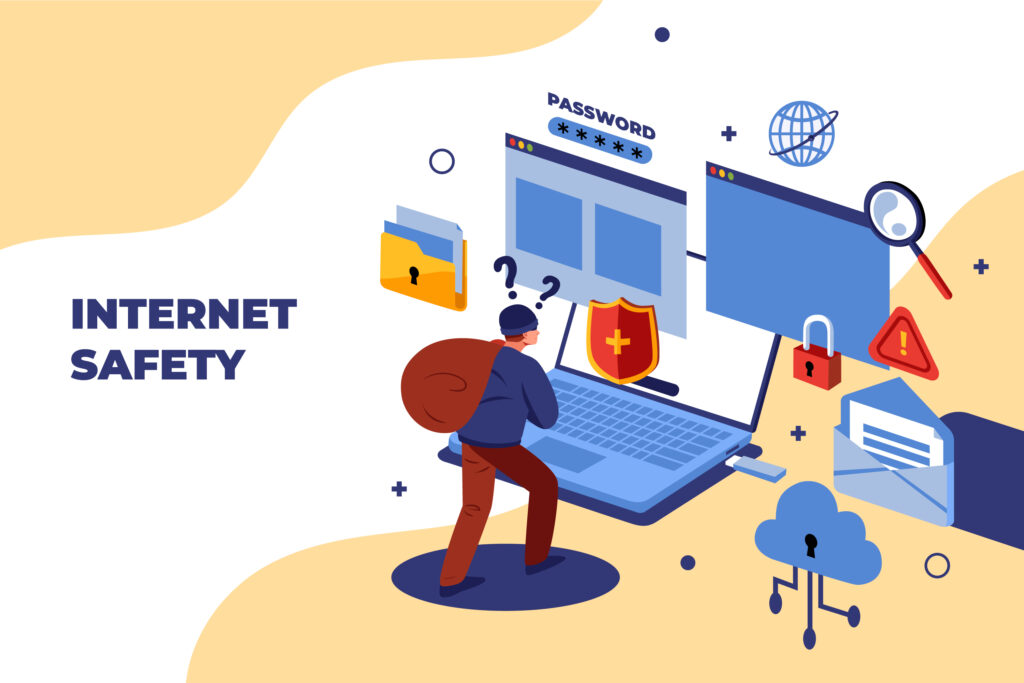
Scammers are clever. They make dangerous links look exciting or urgent to trick you into clicking. This strategy is often called clickbait. Here’s how to identify their traps:
- Too-Good-To-Be-True Offers: Be very suspicious of links promising free things, like expensive gift cards, game cheat codes, or exclusive access to music or movies. If it seems too good to be true, it almost always is.
- Urgent and Scary Messages: Scammers create panic to make you act without thinking. You might see messages like, “Your account has been hacked! Click here to secure it!” or “Warning! Your computer is infected!” Legitimate companies will never use panic tactics like this.
- Strange and Unfamiliar Senders: Be careful with links sent by people you don’t know. Even more tricky, sometimes a friend’s social media or email account gets hacked. The hacker then sends dangerous links to everyone on that person’s contact list. If a message from a friend seems odd or out of character, it might be a scam.
Your Simple Action Plan for Safety
Protecting yourself is easier than you think. You just need a plan.
- Pause and Think: This is the most important rule. Before you click any link, take a second. Ask yourself: “Do I trust the sender?” and “Does this offer make sense?” That moment of thinking can save you from a major problem.
- Hover to Discover: On a computer, you can hover your mouse cursor over a link without clicking it. The real web address will appear in the bottom corner of your browser. Look at it carefully. Does it look like a legitimate website, or is it a weird jumble of letters?
- Keep Your Guard Up on Social Media: Scams spread quickly on platforms like Instagram, TikTok, and YouTube. Be extra careful with links in comments or direct messages from strangers.
- Use Strong Protection: Always keep the software on your phone and computer updated. These updates often include critical security fixes. Also, use a good antivirus program. It acts like a shield, blocking many malware attacks before they can start.
The key to online safety is awareness. The internet is a powerful tool. By being a smart and cautious user, you can explore all its great features while keeping your information and devices secure. Remember, your click has power. Use it wisely.